
Commercial configuration
A quote built from how you work
There is no public rate card. Price varies according to seats, AI consumption, and the features used in the workspace.
Three things set the figure
Everything else in the proposal is a choice inside these three.
A
Seats
Named people who sign in. Team size changes the platform line and the per-user band. We quote the band that fits — we do not publish a calculator.
B
AI consumption
Indexing, search, clipping, recognition, and vertical render draw from a contracted pool of AI hours. Overage and the volume curve are locked in the proposal, not on this page.
C
Features used
Modules, distribution depth, storage beyond the included allowance, support plan, and one-time implementation. You pay for what the workspace actually runs.
Optional features and modules
Each module is a switch in the configuration. Turn on only the work you need.
Uploading files with AI indexing
Automatic metadata and description, language detection, summary, chapter segmentation, transcription, face recognition, and text recognition.
Smart clipping with AI
Suggested cuts from the understanding of the file — a starting point, still under human review.
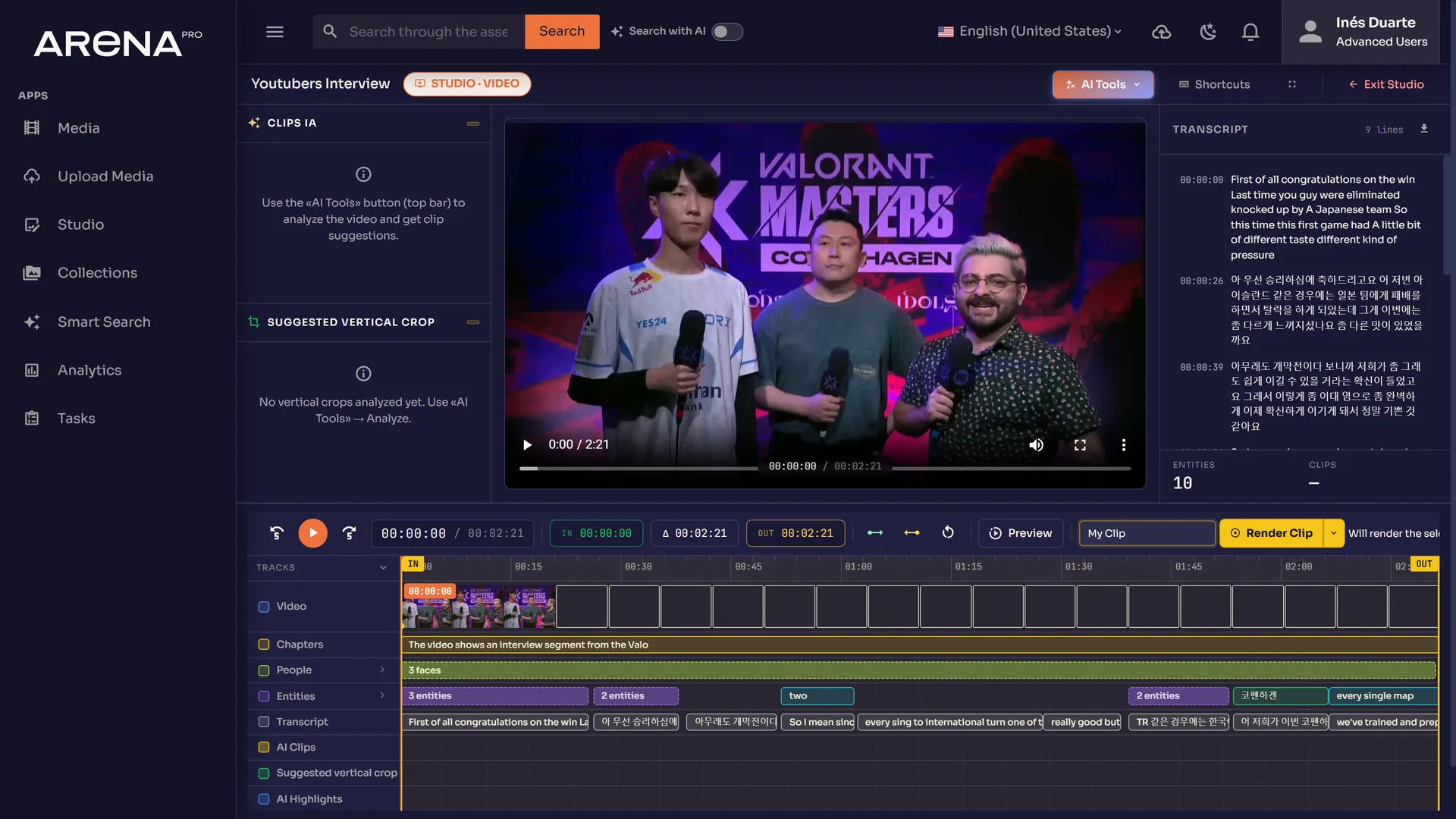
Studio for video and photo editing
The workspace for long-form and stills: timeline, keyframes, and storyboards generated at ingest.
Smart native content search with AI
Natural-language and semantic search across video, audio, images, and documents.
Facial recognition with custom face training
Train the library with your own faces so appearances can be recognized and tagged across the archive.
Image AI tools
Background removal and AI-powered description on stills.
Studio Pro
A professional timeline editor with multiple tracks and synchronized transcription.
Collaborative collections
Shared collections with collaborative access and team permissions.
Auto vertical video render
Reframe horizontal video to vertical with face detection, key-moment detection, and smart crop for social-ready output. Metered with AI consumption.
Content distribution
Choose how far media leaves the workspace. Packages stack — each one includes the layer below.
No distribution package
The library stays inside Arena Pro. Sharing happens by signed-in access only.
Public sharing links
Password-protected, expiry-dated public links for assets and collections.
Basic content distribution
FTP, AWS, Azure, and direct download — the storage and protocol paths already used in the product.
Standard distribution
Everything in Basic, plus social publishing. YouTube is available today. Other destinations are scoped to what is live in your workspace.
Professional content distribution
Everything in Standard, plus commerce and CRM destinations scoped to what is live for the tenant.
Custom distribution
A connector built for a destination that is not in the packaged set.
Storage
A base allowance is included with every configuration. Extra capacity is added in blocks when the archive outgrows that allowance.
The included pool covers ordinary use. Locked-in blocks sit on top. We do not publish sizes or unit rates here.
Support plan
Support is a separate line on the quote. It scales with how closely you want us next to the workspace — not with a public percentage.
One-time implementation
Recurring lines start after kick-off. These sit beside them, quoted once.
Professional services
Configuration, workflow design, and the work that is unique to your stack.
Content migration
Moving the archive in, with the indexing and structure you actually need.
Onboarding
Training the people who will ingest, find, cut, and publish.
Tell us the seats, the AI load, and the features you need
We will map one real workflow and return a configuration — not a generic slide deck.